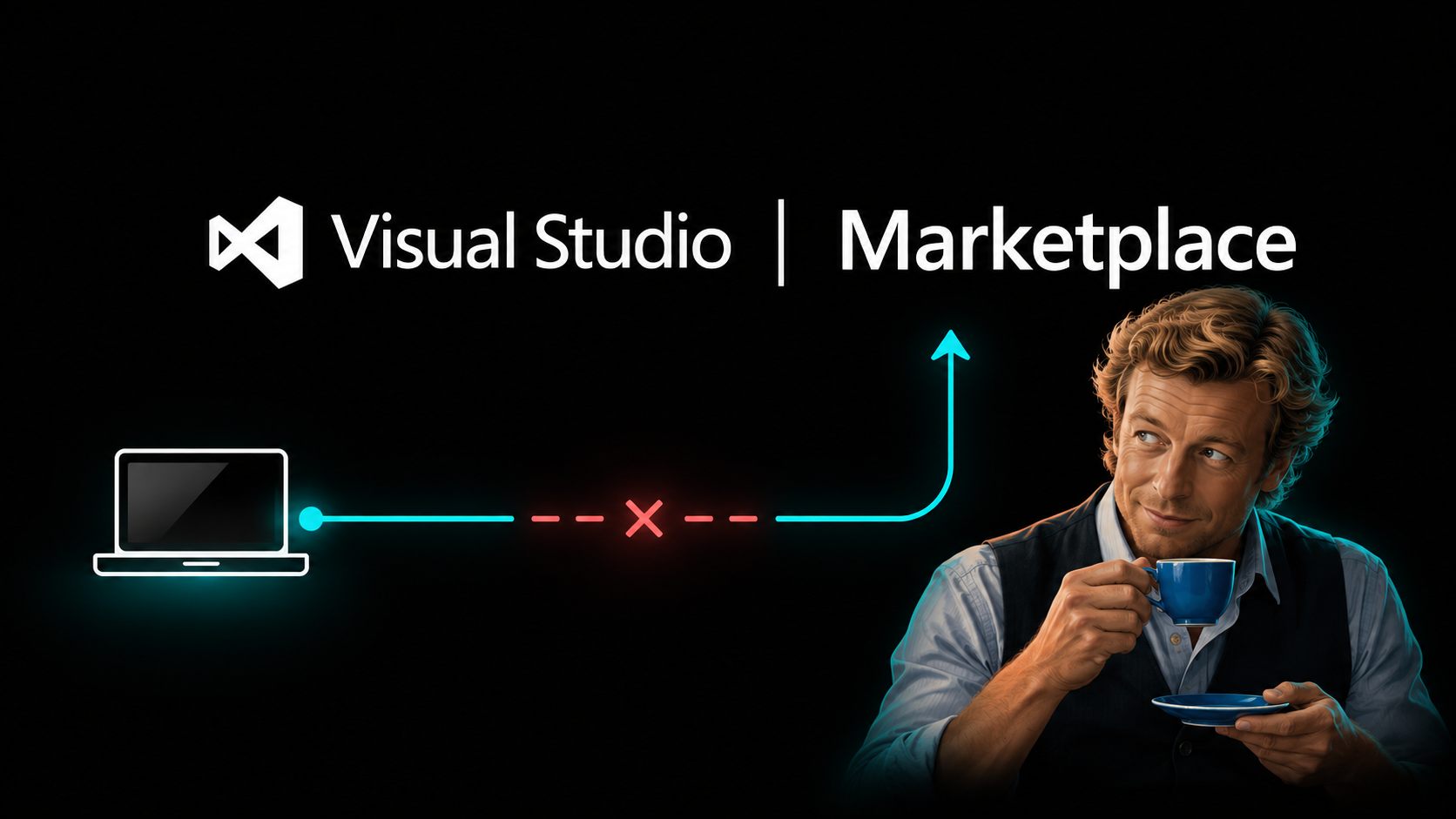
In June 2026, GitHub Copilot changed how it billed for usage. One Copilot Pro subscriber on Reddit said they used 57% of their monthly credits in under an hour while working in an empty repository. What bothered them most was the unpredictability. They used to know roughly when they would hit a limit. Now they could only see how many credits a session had used after the fact.
Usage can be hard to predict with other AI subscriptions, too. Limits vary with the model and the task, and providers can change them.
How do you build a business that lasts when your AI provider can change the rules overnight?
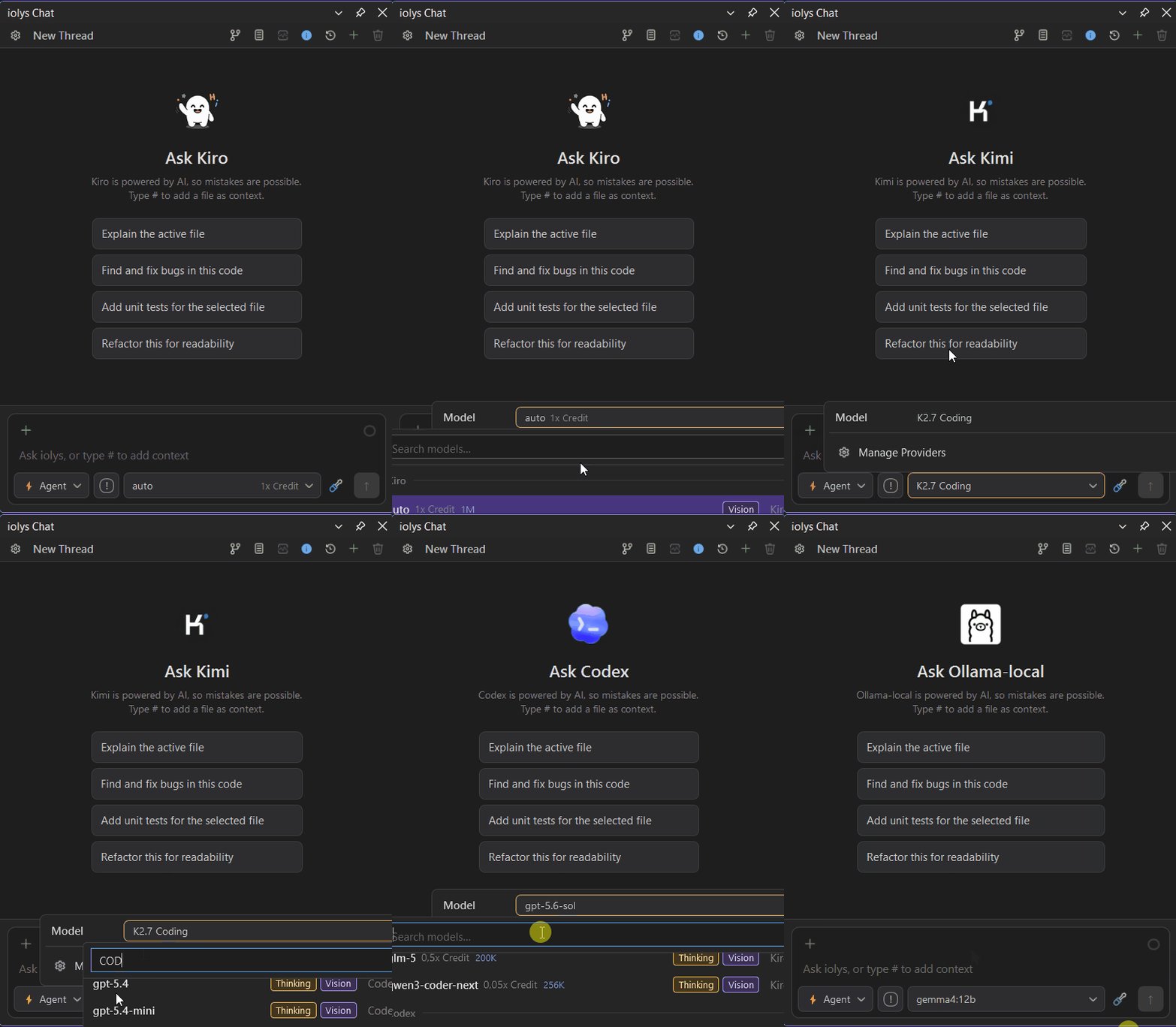
Our answer was to take back our freedom and stop depending on a single provider. A friend and I built iolys so we could pick the right provider for each task. It brings more than 15 AI providers into Visual Studio and lets you switch between them from the solution you’re already working in.
iolys at a glance
- Connect more than 15 AI providers in Visual Studio and choose a provider or model for each task.
- Try a new model as soon as its provider offers it, without waiting for it to reach your usual tool.
- Use an AI subscription you already pay for, such as Claude Code, Codex, Kimi Code, Grok Build, or Kiro. You can also connect an API key or a local model.
- Pick a local Ollama model when it can handle the task or when the code needs to stay on your machine.
- Keep your solution, builds, tests, and debugger within reach.
- See the context sent to the model, your account limits, and the estimated cost when the provider makes that information available.
More than 15 providers: the freedom to choose
iolys doesn’t lock you into any provider. Connect the providers you want to use in iolys, then pick a provider and model in the conversation.
- Subscriptions can cover Claude Code, Codex through ChatGPT, Kimi Code, Grok Build, Kiro, and OpenCode Go.
- API keys let you connect OpenAI, Anthropic, Gemini, Groq, NVIDIA NIM, DeepSeek, OpenCode Zen, and OpenRouter. OpenRouter gives you access to models from several providers with one key.
- Local models and your own infrastructure include Ollama, your organization’s Databricks Model Serving endpoints, and compatible proxies or gateways.
You can also use several providers in one task. A coordinating agent can delegate part of the work to subagents using other providers you’ve configured and bring their results together. See the full list of supported providers.
Try new models without waiting
A new model comes out. Early feedback is enthusiastic, and I want to try it on my own code… but it isn’t available in my tool yet, or only on a more expensive plan. So I wait, with no idea for how long. I didn’t want to live with that frustration anymore.
With iolys, I don’t depend on a single provider to try a model. As soon as it shows up in its provider’s catalog or on OpenRouter, I can select it and try it in my solution, on a real task, with the same tools. I compare it with the model I used the day before and keep whichever fits the task best.
Use the AI subscription you already pay for
We were already paying for AI subscriptions and wanted to use them in Visual Studio. That’s the idea behind BYOS (Bring Your Own Subscription). You sign in with ChatGPT to use Codex, or connect an eligible plan for Claude Code, Kimi Code, Grok Build, Kiro, or OpenCode Go.
When you use a model provided by GitHub Copilot, usage counts toward your Copilot plan. In BYOS mode, iolys uses the allowance of the subscription you connect. How GitHub Copilot bills for model usage.
Some projects need to stay on your machine
On sensitive projects, we want the code and our exchanges with the AI to stay on a machine we control. We can pick a local Ollama model in iolys for the next task and keep using our usual tools. The model processes the code and instructions on that machine. Choosing local tools as well limits the project data we expose to outside services.
A local model also makes sense whenever it can handle the task. That saves the subscription allowance for other work.
Keep the Visual Studio tools we rely on
When we fix a C# bug, we move between the editor and Solution Explorer, reproduce the problem in the debugger, and check the result with tests. AI can speed up parts of that workflow. We wanted those tools within reach throughout the task.
In Visual Studio 2022 or 2026, a compatible agent in iolys can work with the open solution and active file, and use the build and test tools it has permission to access. We can start with a failing test and ask the agent to reproduce the failure, fix it, and rerun the project’s tests. Then we review the changes and return to the debugger if something looks off.
We wanted to understand how coding agents work
When you use an assistant, most of what you see is your prompt and its reply. Building the iolys AI harness, the layer that connects the model to Visual Studio, made us work through what happens in between. We had to decide what to send to the model, which actions to let it request, and how to return the results so it could keep going.
That work can also show up in the usage bill. In the same Reddit thread, the author reported spending 9.39 credits on a simple “hi there.” They pointed to the system instructions and tool definitions a coding agent can send alongside the visible message. Those can add thousands of tokens to a request. Understanding what the agent sends was another reason we wanted to build the harness ourselves.
iolys makes that information visible as the task progresses. Context window usage breaks down what takes up space in the model’s context, including messages, files, tools, and system instructions. Show usage displays account quotas, credits, and reset times when the provider reports them. Session statistics shows the available cost or credit estimates for the current task. See how iolys reports usage.
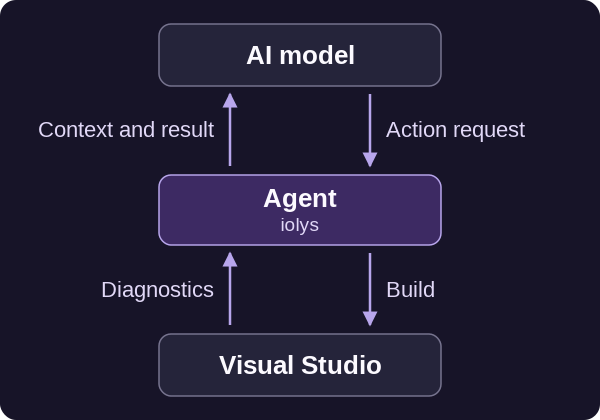
In this example, the agent passes a compiler error back to the model. The model can then propose a fix and request another build.
Understanding this loop changed how we give work to AI. When an agent goes off track, we check the context we gave it, the tools it can use, and how we described the outcome. For a bug, we might say, “Reproduce the failure in this test, make a focused fix, then rerun this project’s tests.” The test gives the agent a starting point and a way to verify the fix.
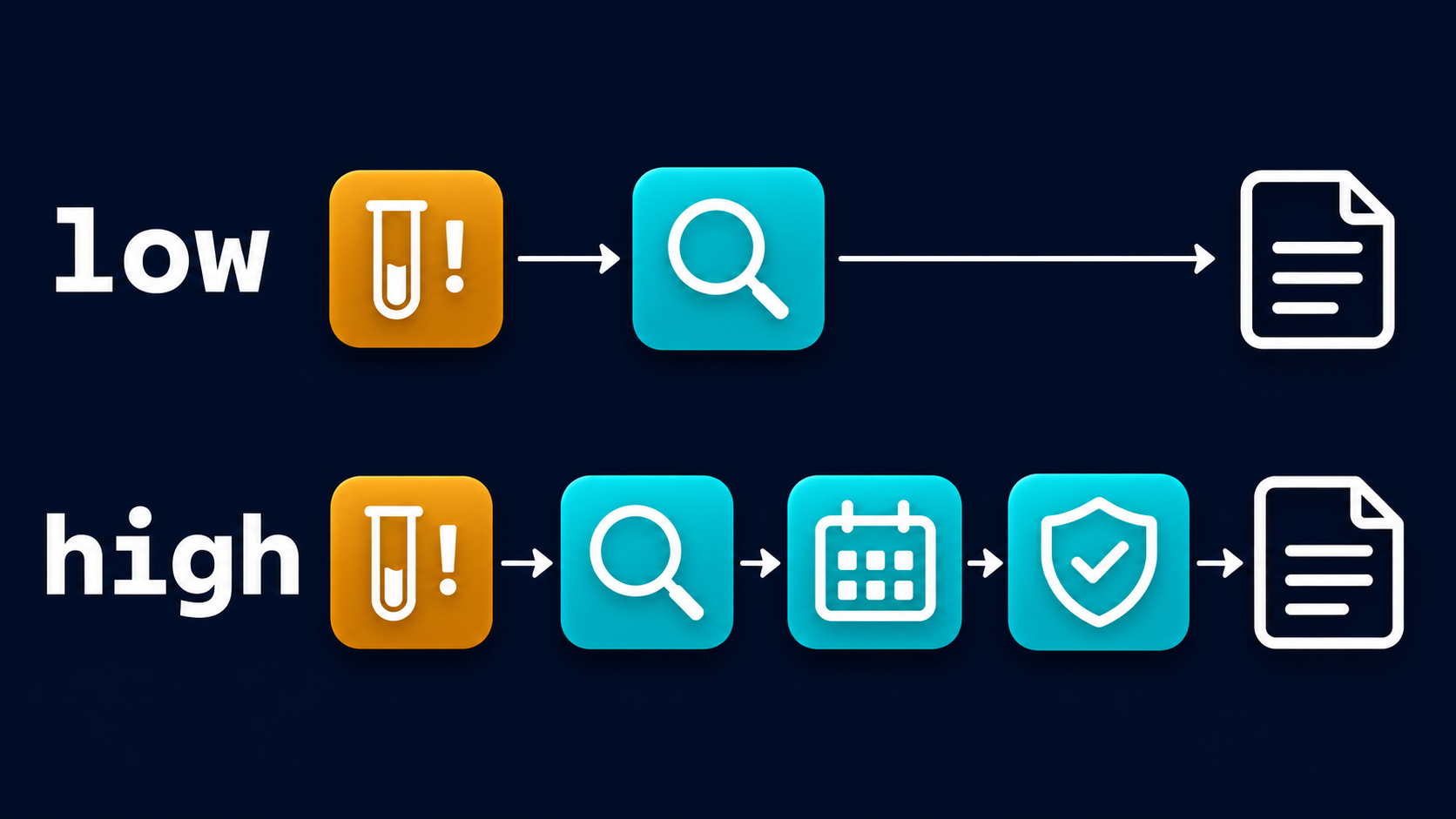
I’m covering what we learned in a series of articles, AI Basic, one topic at a time: reasoning effort, context windows, providers, tool calls, agents, MCP servers, AGENTS.md and skills, and subagents. Each article stays concrete and applies whichever model you use. The first one covers reasoning effort levels.
In summary
We built iolys for three reasons: to stop depending on a single AI provider, to try new models without waiting, and to understand what goes on inside a coding agent. Today we can pick the subscription, API, or local model that fits each task while staying in Visual Studio.
With iolys, you make the choice, not your provider.
Are you a .NET developer? Try iolys on your next task: a failing test, a bug to fix, or a method to refactor. Connect the subscription you already pay for or a local model, and compare models without leaving your solution. Download iolys from the Visual Studio Marketplace.
Further reading
- To start the AI Basic series, read AI Basic 1 / 8: Reasoning effort levels. It explains what reasoning effort changes in a model and how to set it in iolys.
- For the details of the June 2026 billing change, read GitHub’s announcement on usage-based billing for Copilot.
- BYOM (Bring Your Own Model) lets you choose the model. BYOK (Bring Your Own Key) connects an API key. With a pay-as-you-go API, the provider charges for the tokens you use at the model’s rates. BYOM in Visual Studio and Codex sign-in options.
- For help connecting a subscription, API, or local model in Visual Studio, see the iolys installation guide.
- For another story from working on iolys, read how I tracked down an intermittent loading issue in my Visual Studio Marketplace investigation.
Happy Coding :)