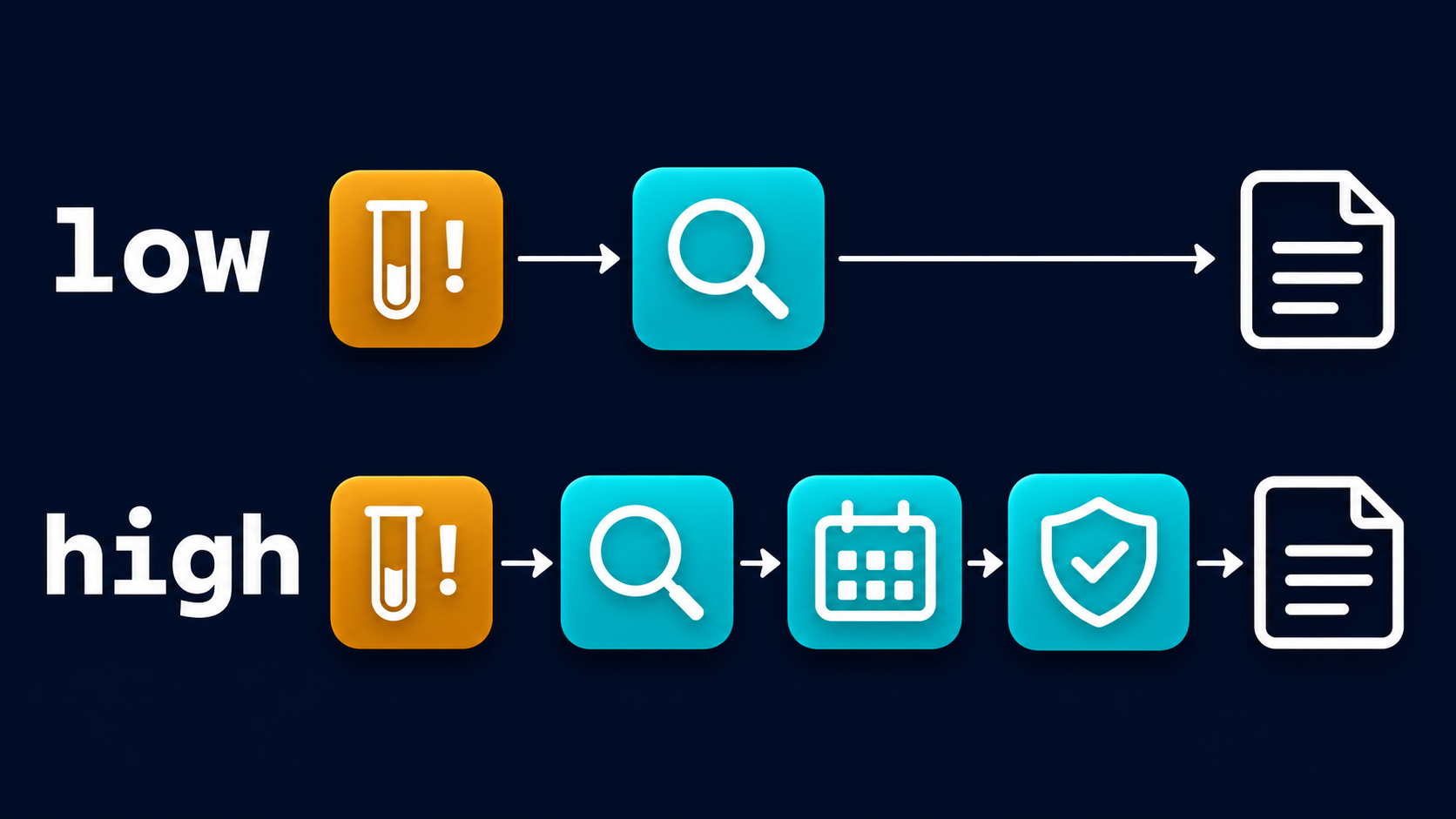
low, medium, high, xhigh… Most AI models now offer a reasoning level. But what does this setting actually change, and when should you turn it up?
This is the first article in the AI Basic series. Next up: context windows, providers, tool calls, agents, MCP servers, AGENTS.md and skills, and subagents.
What is reasoning effort?
Before answering, a reasoning model “thinks”: it generates internal tokens to test hypotheses, work through a calculation, or check its answer. Reasoning effort sets the token budget it can spend on that thinking. OpenAI’s reasoning guide.
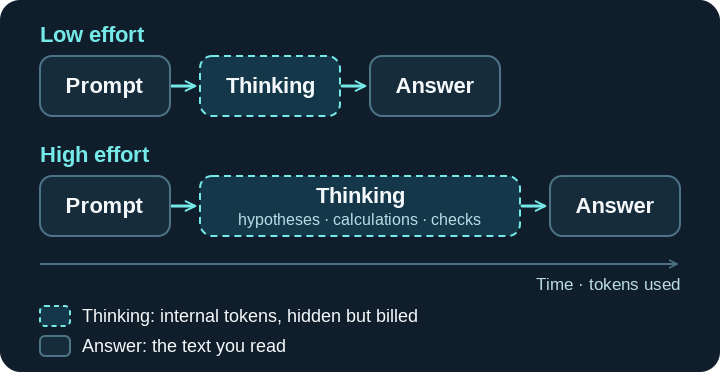
Think about preparing a presentation. In 10 minutes, you sketch an outline and a few slides. In 1 hour, you pick good examples and check your numbers. In 3 hours… you mostly polish the layout, if everything was already clear after an hour. More time only helps if there’s something left to check.
Levels are relative budgets, not fixed amounts: at high, a model can still answer quickly if the question is simple. Claude effort documentation.
What the level changes
- Quality. On a hard problem, like a subtle bug or a change that spans several files, more thinking often leads to a better diagnosis. On a simple question, it makes no difference.
- Response time. The model thinks before it writes, so the answer arrives later.
- Cost. Thinking tokens are billed, usually at the output token rate, even though you don’t see them. Two three-line answers can cost very different amounts. With a subscription, they count against your quota. OpenAI’s reasoning token billing.
More isn’t always better. At high effort, a model can wander down unnecessary paths and propose a rewrite where one line would do. Anthropic documents this risk. Claude’s guide to overthinking. And on some APIs, thinking and the answer share the same token limit: if thinking uses it all, the answer comes back incomplete or even empty. Incomplete responses at OpenAI.
Same name, different settings
Each provider has its own parameter, and each model its own levels and default.
| API | Setting | Example |
|---|---|---|
| OpenAI Responses | reasoning.effort |
GPT‑6.2 Sol rejects none: you can’t ask it to answer without thinking. GPT‑6.2 Sol model reference. |
| Anthropic Messages | output_config.effort |
Effort applies to the whole output: text, tool calls, and thinking. Claude effort. |
| Google Gemini | generation_config.thinking_level |
Gemini 4 Carbon accepts low, medium, and high. Gemini 4 Hydrogen adds xhigh. Gemini thinking. |
The upshot: one model’s high is not another model’s high. Even at Google, Gemini 4 Carbon defaults to medium and Gemini 4 Hydrogen to high. Level names don’t let you compare two models.
How to pick the right level
- Start with the model’s default. It works for most tasks.
- Lower it for simple tasks: renaming, writing an obvious test, explaining a piece of code. You save time and tokens.
- Raise it for hard tasks: a bug you can’t pin down, an architecture change, a migration plan. Or when the model gets it wrong at the current level.
- Test on your own tasks. Send the same prompt at two levels, then compare quality, time, and usage. A slower answer is worth it if it saves you a follow-up.
- Start over when you switch models, even if the levels have the same names.
Setting the reasoning level in iolys
In iolys, you pick the level in the conversation’s model picker:
- Open the model picker in the message box.
- Choose the provider and model.
- If the model offers levels, an Effort row appears: pick the level.
- Send your message.
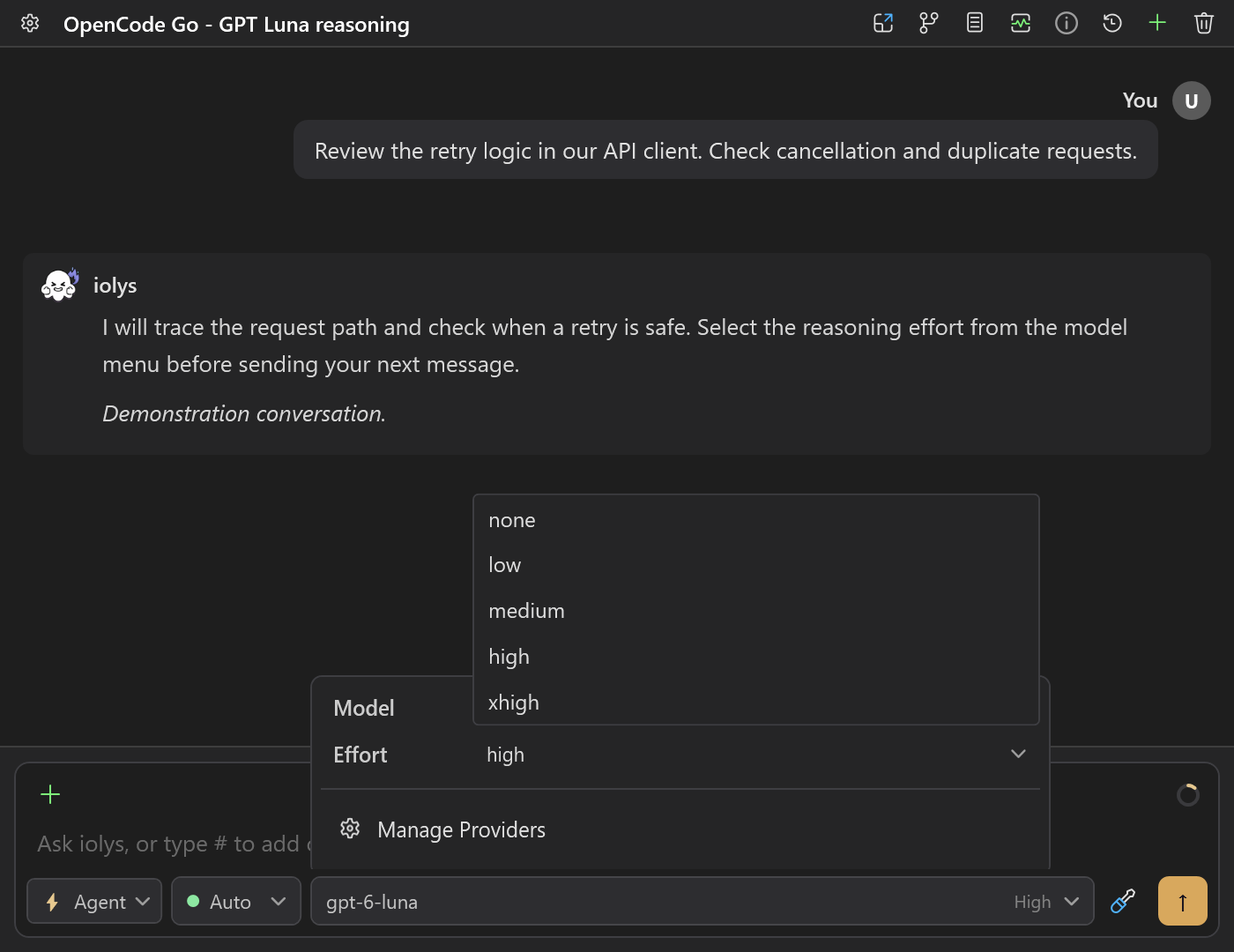
The setting belongs to the conversation. You can keep one conversation on low for small tasks and open another on high for a tricky bug. If the Effort row doesn’t appear, the model doesn’t expose this setting.
Available levels depend on the provider. Codex and Claude Code use the ones from their CLI, Kimi simply lets you turn thinking on or off, and on DeepSeek or OpenRouter they depend on the model’s catalog. The effort selector in iolys.
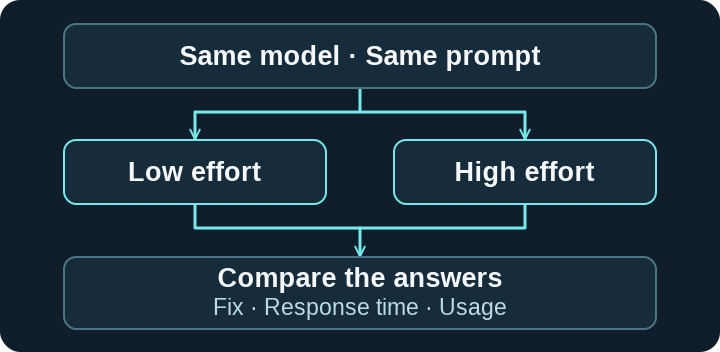
To compare two levels, open two conversations with the same model and the same prompt, and change only the effort. Session statistics then shows, for each conversation, the duration, the model’s processing time and, depending on the provider, an estimate of the cost or credits used. Tracking usage in iolys.
Further reading
- When Your AI Provider Changes the Rules — Why We Built iolys: the article that introduces iolys and the AI Basic series.
- iolys on the Visual Studio Marketplace: install iolys and try reasoning levels in Visual Studio.
- OpenAI reasoning models: how effort and reasoning tokens fit into an OpenAI request.
- Claude effort: the levels available per model and how they affect the output.
- Gemini thinking: supported levels and token counters.
- DeepSeek thinking mode: effort levels and how DeepSeek models interpret them.
In short
The reasoning level is a trade-off between quality, time, and cost. Keep the default, lower it for simple tasks, raise it for hard problems, and check on your own tasks.
In the next AI Basic article, we’ll look at the context window: what the model actually sees of your conversation.
In the meantime, the easiest way to get a feel for it is to try: download iolys from the Visual Studio Marketplace, connect your subscription or an API key, and compare two effort levels on a real bug in your solution.
Happy Coding :)