When I decided to bring this blog back online, I ran into a small problem: I had lost the backup of my old blog... My posts were gone.
Then I remembered the Wayback Machine.
In other words, the Internet never forgets... except sometimes the CSS, the images, and precisely the page you need.
I could have opened every snapshot by hand, copied the text, fixed the links, and repeated the process a few dozen times. I chose the sensible option instead: writing a C# tool that queries archives several years old and hoping every page still follows its original HTML structure.
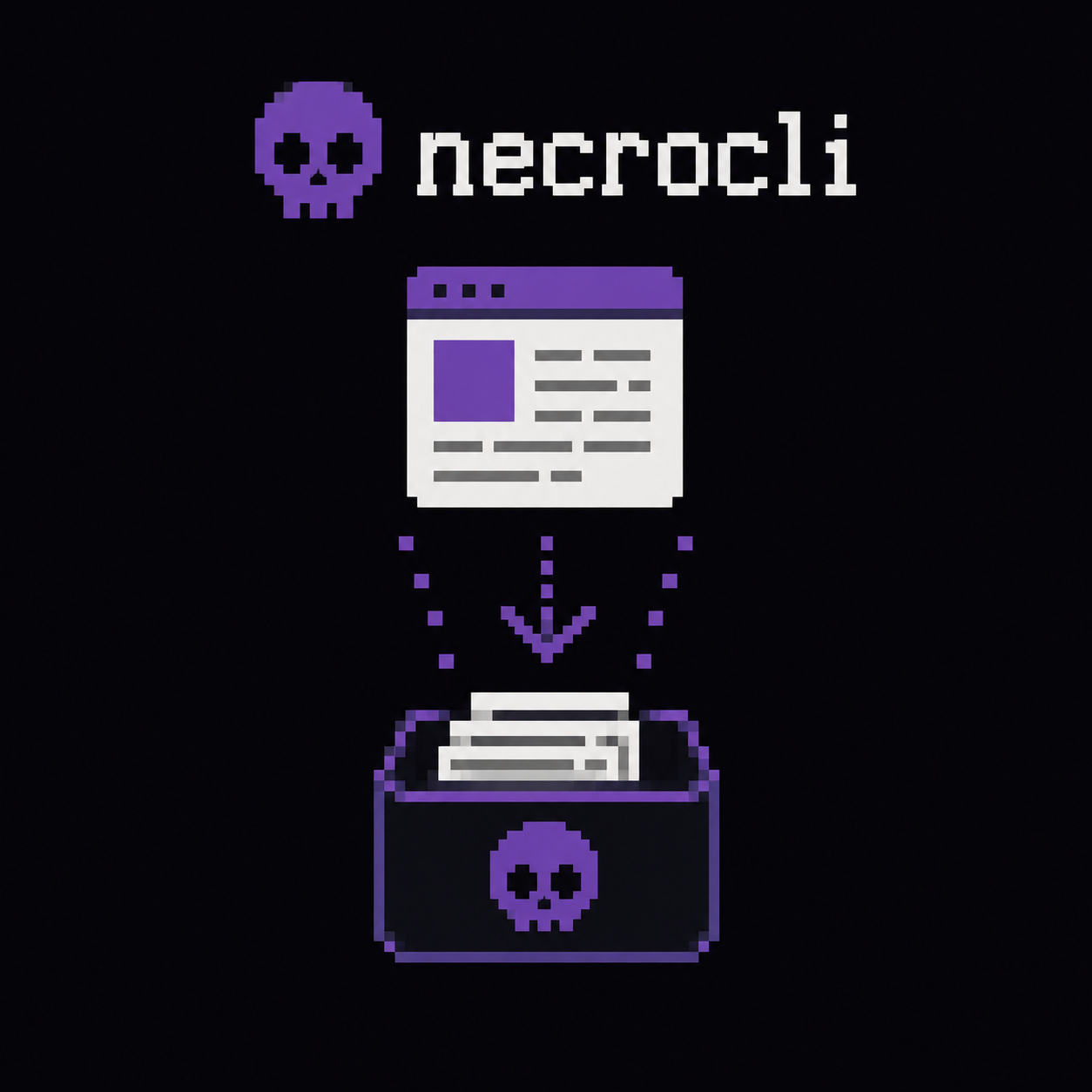
So I created NecroBlog CLI, a command-line tool whose purpose can be summed up in four verbs:
Discover → Inspect → Recover → Report
Its goal is to find the old posts from jeromegiacomini.net and my profile on blogs.infinitesquare.com, extract their actual content, and rebuild them as .md files with their metadata and, whenever still possible, their images.
And yes, it is 2026: Markdown is the format of the moment.
Yes, I called the project NecroBlog. Once you start spending your evenings raising dead posts, you might as well embrace the theme all the way.
The Wayback Machine is not a list of posts
The first challenge is not downloading a page. It is finding out which pages ever existed.
To do that, NecroBlog uses the Wayback Machine's CDX API. CDX is the snapshot catalog: for a given URL—which may contain a wildcard—it returns, among other things, the original URL, snapshot date, content type, HTTP status code, and a document fingerprint.
This is what building the request looks like in WaybackClient:
var query = new StringBuilder("https://web.archive.org/cdx/search/cdx?");
query.Append("url=").Append(Uri.EscapeDataString(url));
query.Append("&output=json");
query.Append("&fl=urlkey,timestamp,original,mimetype,statuscode,digest,length");

foreach (var filter in filters ?? [])
{
    query.Append("&filter=").Append(Uri.EscapeDataString(filter));
}

query.Append("&collapse=digest");

var body = await GetStringWithRetryAsync(query.ToString(), ct);
var captures = CdxParser.ParseJson(body);
The collapse=digest parameter filters out some strictly identical snapshots. This matters: a post archived twenty times is still only one post, even if it received far more backups than comments.
The URLs then need to be normalized so that variants using http or https, with or without www, with a trailing slash, or with a few tracking parameters left behind by an old newsletter are not processed separately.
Finally, not every archived URL is a post. A WordPress site also contains home pages, categories, tags, RSS feeds, pagination pages, scripts, and a surprising number of paths with no desire whatsoever to become Markdown. NecroBlog therefore classifies each URL and retains only candidates matching the structure of the old blogs.
On my WordPress site, for example, a post followed this pattern:
[GeneratedRegex(
    @"^/Blog/\d{4}/\d{2}/\d{2}/[^/]+/?$",
    RegexOptions.IgnoreCase | RegexOptions.CultureInvariant)]
private static partial Regex ArticlePathRegex();
It is not universal, and that is intentional. When recovering a vanished site properly, knowing its structure is often better than an algorithm convinced that the “Forgot your password?” page is an excellent technical post.
Choosing a snapshot that actually exists
CDX may list several snapshots for the same page. NecroBlog discards anything that is not HTML, HTTP errors, and revisit records, then favors a recent snapshot.
One delightful subtlety remains: a snapshot can be present in the catalog yet impossible to download. The catalog says “yes,” the replay server says “no,” and there you are negotiating with a ghost.
The tool therefore tries several snapshots instead of giving up after the first error:
foreach (var capture in candidates.Take(6))
{
    html = await _wayback.FetchCaptureHtmlAsync(
        capture.Timestamp,
        candidate.OriginalUrl,
        cancellationToken);

    if (!string.IsNullOrWhiteSpace(html))
    {
        usedTimestamp = capture.Timestamp;
        break;
    }
}
To retrieve the document, I use a replay URL with the id_ suffix:
public static string BuildRawReplay(string timestamp, string originalUrl) =>
    $"https://web.archive.org/web/{timestamp}id_/{originalUrl}";
This suffix requests the archived bytes without the Wayback navigation bar or the usual page rewriting. That makes parsing the HTML much easier. My tool is looking for posts, not the interface code of the time machine.
The client is designed to handle 429 and 503 responses properly. I also added a delay between calls and progressive backoff between retries to avoid being blocked by the site's rate limits.
Extracting the post without bringing along the whole graveyard
Once the HTML has been retrieved, simply removing the tags is not enough. The page still contains the menu, footer, sharing buttons, comments, and sometimes scripts added by the Wayback Machine.
I created an extractor pipeline. It first tries the site-specific extractor, then uses a generic one as a fallback:
_extractors =
[
    new JeromeGiacominiExtractor(),
    new InfiniteSquareExtractor(),
    new GenericArticleExtractor(),
];

var extractor = _extractors
    .FirstOrDefault(e => e.CanHandle(sourceId, html))
    ?? _extractors[^1];

return extractor.Extract(html, pageUrl);
For the old WordPress site, the extractor primarily looks for an article element, followed by its .entry-content block. It also retrieves the title, date, and author from the HTML or from Open Graph and JSON-LD metadata.
This separation has two benefits. It prevents the posts from being filled with site navigation, and it makes it possible to flag a result as suspicious when the title is missing or the extracted content is unusually short. In that case, NecroBlog does not fill in the blanks with tremendous imagination and remarkable confidence: it adds the post to the report for manual review.
Going from HTML to Markdown without mangling the code
The extracted content then passes through an HTML-to-Markdown converter written for the project. It handles headings, paragraphs, lists, tables, blockquotes, links, images, inline code tags, and <pre><code> blocks.
The old posts sometimes used SyntaxHighlighter, which specified the language in a class such as brush: csharp. The converter detects that information and produces a typed Markdown fence:
```csharp
public void Foo()
{
    Console.WriteLine("I'm alive again!");
}
```
Preserving code blocks was a priority. A paragraph with slightly imperfect spacing remains readable; a C# example whose characters have been encoded three times quickly becomes contemporary art.
Links rewritten by the Wayback Machine are also restored to their original URLs. This prevents every internal link from continuing to take a detour through a dated snapshot when the post has just been brought back online.
Finally, the file is written with YAML front matter that preserves its provenance:
sb.AppendLine("---");
sb.AppendLine($"title: {Quote(article.Title ?? article.Slug)}");
sb.AppendLine($"date: {Quote(article.Date ?? "")}");
sb.AppendLine($"author: {Quote(article.Author ?? "")}");
sb.AppendLine($"original_url: {Quote(article.OriginalUrl)}");
sb.AppendLine($"archive_url: {Quote(article.ArchiveUrl ?? "")}");
sb.AppendLine($"wayback_timestamp: {Quote(article.WaybackTimestamp ?? "")}");
sb.AppendLine("---");
This lets me know where each post came from, which snapshot was selected, and which other snapshots were known. Missing dates are left empty: when restoring archives, missing information is better than a beautifully formatted false certainty.
Images: the real hard mode
The HTML pages were often archived correctly. The images, however, sometimes decided to follow a different spiritual path.
In the archives of my old blogs, the Wayback Machine had preserved far fewer images than HTML pages. An archived page is not a complete photograph of a site: its HTML document and each of its resources are captured separately. It is therefore entirely possible to recover a post with its <img> tags but no copy of the files they reference. You are left with the frame, the caption, and the place where the picture belongs—only the fairly minor detail of the picture itself is missing.
There are several possible reasons for these gaps. Some images were hosted on another domain or a CDN, others were loaded later by JavaScript, and the server may also have rejected the request or stopped responding when the archiving bot visited. Binary files, being heavier than HTML, were not captured on every visit either. The fact that a post appears in CDX therefore offers absolutely no guarantee that all its illustrations are there too.
That is what makes recovering them harder: for a post, I usually have several snapshots to choose from; for an image, there may be no snapshot at all, regardless of which date I try.
For every image referenced in the Markdown, NecroBlog searches CDX for a dedicated snapshot and downloads it with the im_ suffix, which requests the image bytes. The file is then stored locally and its URL is replaced in the post.
When the Wayback Machine has no usable copy, the tool tries the following in order:
- the original URL, if it is still accessible on the web;
archive.today;- Common Crawl indexes and WARC files.
The first source to return actual bytes wins, and its provenance is recorded. If none of them responds, the image remains marked as missing without causing the entire post to fail. Losing a screenshot of Visual Studio 2015 is sad, but not sad enough to bury three pages of text and two C# examples along with it.
Using NecroBlog CLI
In its current version, NecroBlog CLI only knows about the two sources for which I built it: jeromegiacomini.net and blogs.infinitesquare.com. You cannot simply pass it any blog address and expect necromancy to do the rest.
To use it with your own old blog, start by forking the project on GitHub, clone your fork, then add your own source in the code. The project targets .NET 10.
git clone https://github.com/your-account/NecroBlogCLI.git
cd NecroBlogCLI
dotnet build
Declaring your source
Sources are defined in Models/SourceDefinition.cs. A source tells NecroBlog which domains to search in the Wayback Machine and, most importantly, what a post URL looks like. Add the new entry to the array returned by the BuildAll() method.
For a fictional old blog whose posts used URLs such as https://myoldblog.com/blog/2020/06/15/my-post/, the definition might look like this:
new SourceDefinition
{
    Id = "myblog",
    DisplayName = "myoldblog.com",
    Author = "Your name",
    SeedUrls =
    [
        "myoldblog.com/*",
        "www.myoldblog.com/*",
    ],
    OwnHosts =
    [
        "myoldblog.com",
        "www.myoldblog.com",
    ],
    ArticlePathRegex = MyBlogArticlePathRegex(),
},
Then add the regular expression matching the path of the posts:
[GeneratedRegex(
    @"^/blog/\d{4}/\d{2}/\d{2}/[^/]+/?$",
    RegexOptions.IgnoreCase | RegexOptions.CultureInvariant)]
private static partial Regex MyBlogArticlePathRegex();
SeedUrls specifies the domains the CDX API should explore. OwnHosts identifies internal links, while ArticlePathRegex prevents categories, tags, RSS feeds, and the inevitable contact page from being mistaken for posts.
This expression naturally needs to be adapted to your old blogging engine. If your posts looked more like /posts/my-post or /archives/42, that is the format you need to describe. A good regular expression at this stage saves a great deal of manual sorting later.
Adapting content extraction if necessary
NecroBlog then tries to extract the content with its generic extractor. Before starting a full recovery, the inspect command lets you check what it recognizes at a specific URL:
dotnet run -- inspect "https://myoldblog.com/blog/2020/06/15/my-post/"
Among other things, it displays the title, date, author, selected HTML selector, content length, and the number of code blocks or images detected. With the --save-dir option, it can also save the generated HTML and Markdown so you can inspect them at your leisure:
dotnet run -- inspect "https://myoldblog.com/blog/2020/06/15/my-post/" --save-dir ./inspect-out
If the generic extractor captures the menu, misses half the post, or treats the footer as a particularly inspired conclusion, you need to create an extractor specifically for the old site. It implements IArticleExtractor and precisely selects the containers for the title, date, author, and content. It must then be added to ExtractorPipeline, before GenericArticleExtractor:
_extractors =
[
    new JeromeGiacominiExtractor(),
    new InfiniteSquareExtractor(),
    new MyBlogExtractor(),
    new GenericArticleExtractor(),
];
The generic extractor remains the fallback, while your extractor is used whenever the sourceId is myblog.
Starting the recovery
Once the source has been added and a URL validated with inspect, I recommend starting with a few posts using --limit:
dotnet run -- discover --source myblog
dotnet run -- recover --source myblog --download-images true --limit 5
dotnet run -- report
discover builds the local catalog from the new source. recover extracts and converts the first five posts, while report summarizes suspicious content, failures, and missing images.
If the result looks good, simply run the recovery again without a limit:
dotnet run -- recover --source myblog --download-images true --resume
Recovery can be resumed with --resume. Downloads are cached, and the failure of one post does not interrupt the ones that follow. This property quickly becomes essential: a complete recovery takes long enough for the network, a remote server, or your computer to decide to participate in the resilience test.
The result of the resurrection
This operation allowed me to restore to this blog:
- 52 posts from my old
jeromegiacomini.netsite; - 8 unique posts published on
blogs.infinitesquare.com; - 12 images recovered and stored locally.
I also discarded 17 republished copies to keep only one version of each text. In total, 60 unique posts found a new life in Markdown.
Not everything could be recovered perfectly. Some images remain lost, and some metadata simply no longer exists. But the texts, code examples, and their provenance are once again stored in a readable, versionable format that depends far less on any particular blogging engine.
What I learned
The Wayback Machine is an extraordinary resource, but it does not automatically turn an old site into a clean archive. To produce a reusable result, you need to distinguish the snapshot catalog from the snapshots themselves, normalize URLs, know at least a little about the site's structure, plan for several fallback snapshots, and be willing to flag what you do not know.
Markdown is a good destination: the files are simple, portable, easy to review, and easy to preserve in Git. If the current blogging engine disappears one day, migrating should therefore be easier.
In theory, at least.
Otherwise, I suppose I will just have to write NecroBlog CLI 2: the return of the return of the dead.
Happy coding 🙂