
We've been looking forward to it. Build 2017 brings us Visual Studio for Mac in the final version.
Install and configure Visual Studio for Mac
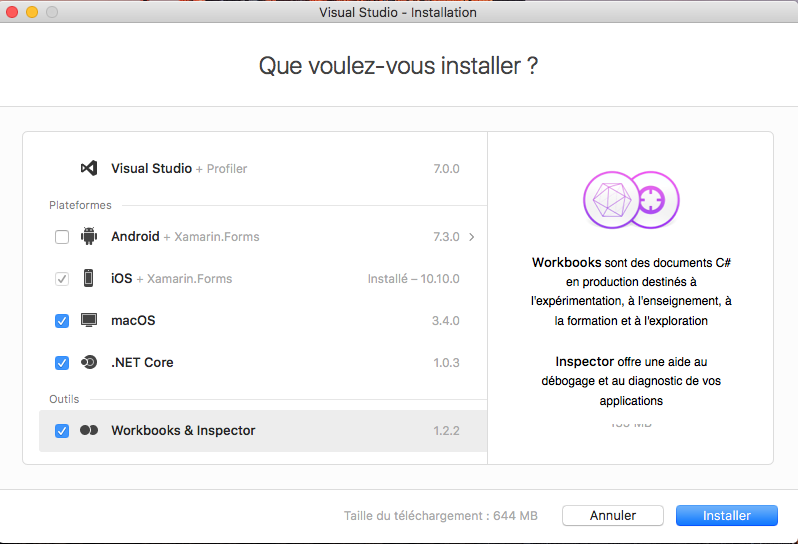
When installing this one, he proposes to install several additional components:
- The Android development kit, along with Xamarin Android.
- The iOS development kit, along with Xamarin iOS.
- The Mac development kit, along with Xamarin Mac.
- The .NET Core development kit as well as all the tools to develop .NET Core on macOS
- Workbooks: the tool for having interactive code examples
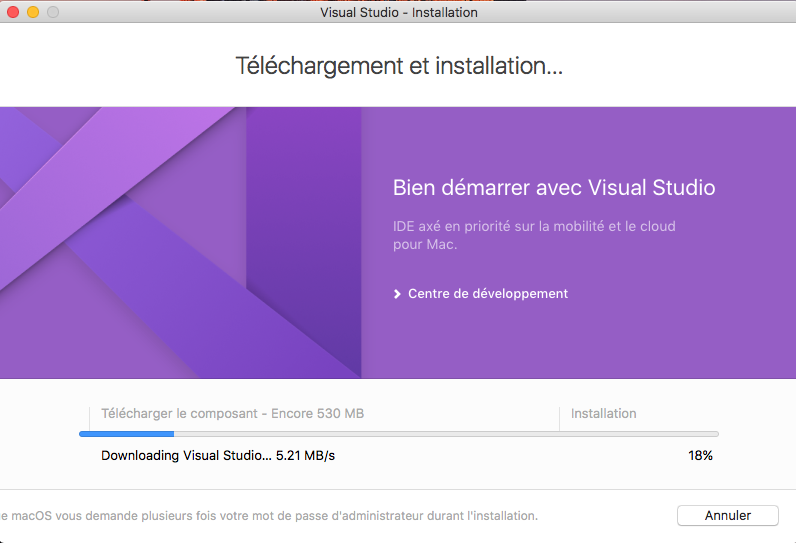
First launch
When we first launch, we see that Visual Studio is configured as the community version.
 After I identify myself with my Microsoft Pro account, it automatically switches to the Enterprise version.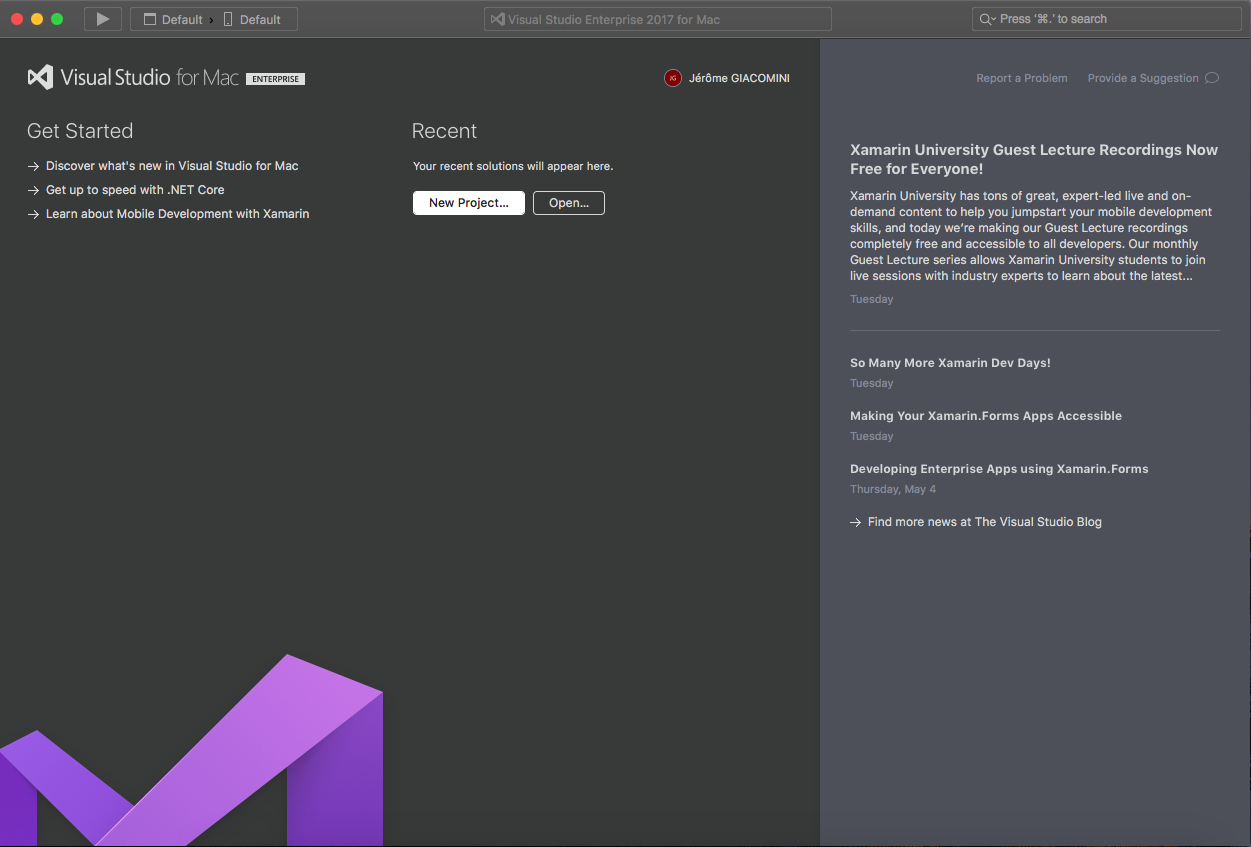
Opening up several solutions
One of the most embarrassing things when you start developing on Mac is when you open a solution, if a solution is already open in Visual Studio for Mac it closes the current solution to open the new one.
To solve this problem, nothing simpler, when you open a solution you have to unlock "Close current workspace". Original illustration unavailable: V.S_MAC_open2 solutions.png
What about Xamarin Studio in all this?
Visual Studio for Mac is the evolution of Xamarin Studio. Microsoft's idea is to have a consistent name among all the IDEs they develop.
Now Visual Studio is in three movements:
- Visual Studio 20XX (the dedicated version for Windows)
- Visual Studio Code (the free version of a text editor comparable to a Notepad ++)
- Visual Studio for Mac (the version dedicated to macOS)
Conclusion
Visual Studio for Mac is the perfect tool for making your .NET Core developments on Mac or your Xamarin developments.
Happy coding .